How to manage Wi-Fi in flight
📋 Table of Contents
Table of contents will be generated automatically based on article headings.
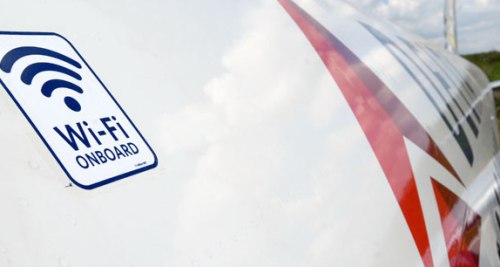
Everyone knows that in-flight Wi-Fi is not quick and it is really expensive. But still there will be many who would want to buy this one. Well this article explains how you could make the most of this one even if you do not want to admit that this is very slow. So off we go.
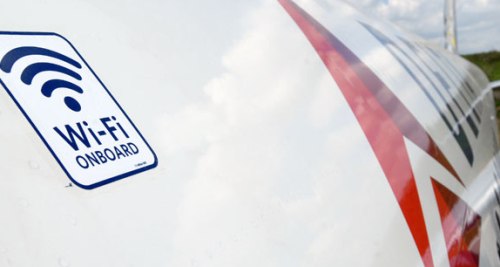
Internet has become very much a part of our lives, so much that we cannot even imagine a second without it. You might be wondering as to why the price is so steep. The simple answer is that the service providers do have a maximum limit in the magnitude of the service. For starters, I would suggest shopping ahead for in-flight Wi-Fi as in this way; you land up with more chances of a discounted rate. There is another way to get a cheaper deal. This does involve some level of sophistication. What you do is simple- you mimic the service provider into thinking that you are using a mobile. This is because some service providers charge less for mobile. They identify your device using your browser ID. That is why you see many of those regulars have the User Agent Switcher installed for Chrome as well as Firefox and it is set to mobile.
There is a downside to in-flight Wi-Fi. It would be a far cry from possible if you think you could watch a movie or any video for that matter. The reality is that the connection gets cut just after you have something highly data-consuming clicked.
Also, you need to be extra-careful about your privacy and security as the network will not be using encryption which means that you have no protection from anyone else on the plane, who is using the network. So if you could use the service for minimum, non-risky activities, in-flight Wi-Fi is just fine.

joseph cyriac is a contributor at How To Guide. We are committed to providing well-researched, accurate, and valuable content to our readers.
You May Also Like
Related Articles