How to sign up for BBM by avoiding waiting on Android and iOS
📋 Table of Contents
Table of contents will be generated automatically based on article headings.
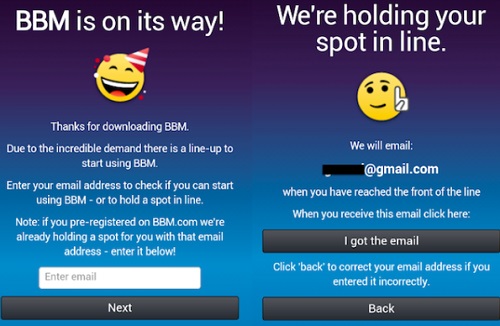
It is popular, it is cool and it makes you wait a lot. Yes BBM is quite a fad for all and you like it so much that you cannot imagine having to wait a lot for using it. Now you need not worry about it as you can make use of this simple trick and you can very well start using BBM. Now you do know that there is something like a Wait List for the newer users and those who have registered earlier need not wait. Now there is a way by which you can bypass wait list.
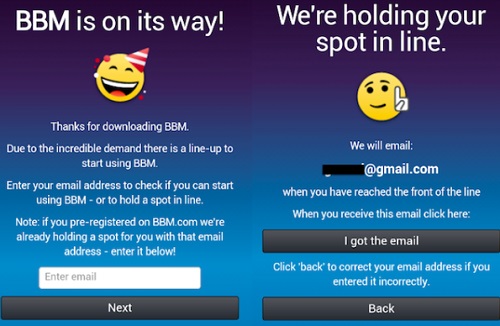
Now for this, first you need to download the app and once you have done this, you need to open the app and then you will have to enter your e-mail address. Now you will have to close it abruptly, forcing it at the same time. In iOS, you can accomplish this by double- clicking the Home button and then you will have to swipe away the app away. Now on Android, you can do this simply by entering the multitasking menu and then you can do the swiping act just like you do in iOS.
Now there is a second method to do this. Firstly, you will have to go to Settings and then you will need to select the Apps option from it. Now once you have done this, you will have to select the option BBM and then you can simply choose the option Force Close. Now once you have force-closed the app, you can relaunch the app and now you can see that you have got the ability to create account by way of which you a unique PIN will be given to you and yes you can invite friends as well. Now how long you could use this method is upto the techies of the company.

joseph cyriac is a contributor at How To Guide. We are committed to providing well-researched, accurate, and valuable content to our readers.
You May Also Like



Related Articles