Hide Relationship Status in Google Plus
📋 Table of Contents
Table of contents will be generated automatically based on article headings.
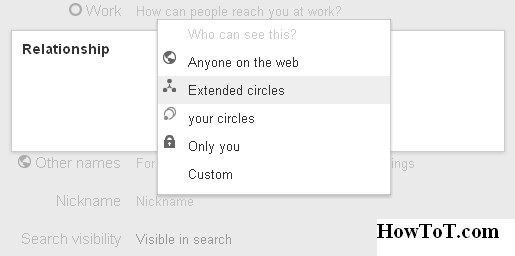
Google has provided a great privacy policy for us in Google Plus. We can control our profile from viewing from others. We can determine who want to see our details. In Google+ we can determine the visibility of ‘Introduction’, ‘Bragging rights’, ‘Occupation’, ‘Employment’, ‘Education’, ‘Places lived’, ‘Home’, ‘Work’, ‘Relationship’, ‘Gender’, etc.
Follow the steps given bellow:
- Login to your Google Plus account.
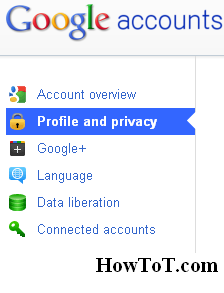
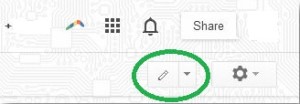
- Click on ‘Account Settings’ icon or goto setting window by clicking here and then click on ‘Profile and privacy’.
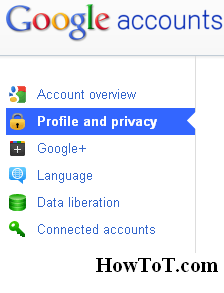
- Now go with ‘Edit Visibility on Profile’.
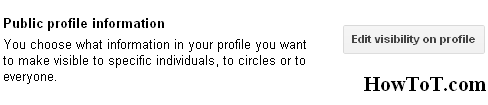
- Now you can see the options as shown below.
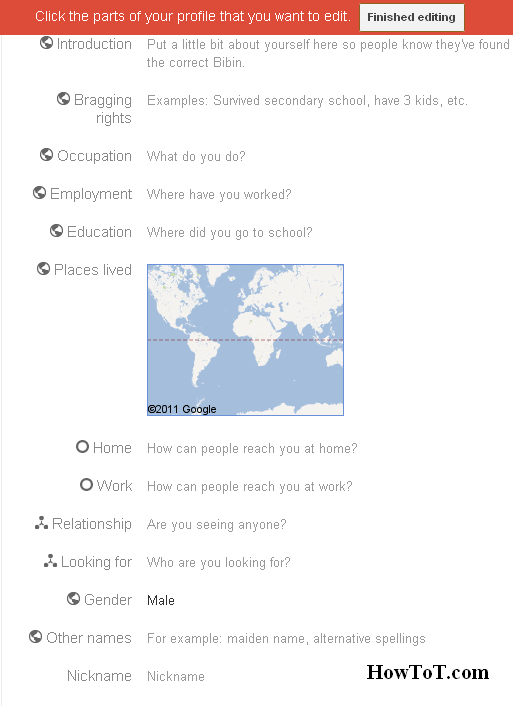
- Now you can hide your ‘About’ option as your wish.

BW is a contributor at How To Guide. We are committed to providing well-researched, accurate, and valuable content to our readers.
You May Also Like
Related Articles
This Post Has One Comment
Comments are closed.
Soon after all, what a fantastic internet site and educational posts, I’ll upload inbound hyperlink – bookmark this net internet site? Regards, Reader.