Why You Shouldn’t Buy Cheap 3rd Party Batteries For Laptops or Smartphones:Buying options
📋 Table of Contents
Table of contents will be generated automatically based on article headings.
When it comes to replacing something that you have, it is very often that you pick up the thought or feeling to evade buying from the legitimate seller. The same is the case when it comes to buying electronics items. Well in this regard, you might want to know that there are every possibility of you getting tempted to buy the cheaper option. When this tendency is adopted into buying electronic items like Laptop battery, the results could well be drastic. The reason why many users gets tempted to buy the cheaper version is that it is of course cheaper.
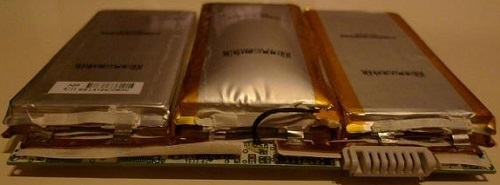
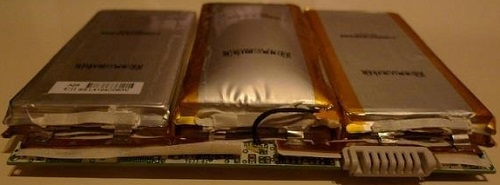
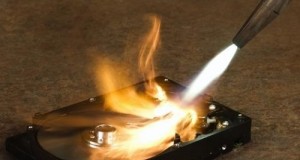
Now keeping aside the technicalities, you still want to bother about the quality of the battery. The most prominent problem that you will probably face is the chance for the battery to explode and you do realise how dangerous that can actually be. Now there are many reasons for the battery to catch fire which you need not necessarily know. What you do need to know is that you have to be aware of the possibility of a potential explosion, leading to a lot of danger.
Now there is another important thing that can happen to a cheap battery owing to its poor standard. This is regarding the ability to store energy. You will notice that the new cheap battery has very low capacity when it comes to energy storage. Hence it will take a huge toll on your capacity to recharge the battery almost frequently.
These are all the most important things that a user tends to skip when planning to buy a battery and what you have to be absolutely sure is that you have to make sure you buy the battery from the original producer. When the thought of windfall gains overcome you, just think about the dangers and the problems that you will have by buying the cheaper one.

joseph cyriac is a contributor at How To Guide. We are committed to providing well-researched, accurate, and valuable content to our readers.
You May Also Like


Related Articles