How To Delete Circles in Google Plus
📋 Table of Contents
Table of contents will be generated automatically based on article headings.
Google+ is the new social networking site and has the best features and control on our privacy as compared to Facebook. Google+ has the unique feature of adding friends in different circles.
But sometime we need to Delete Circles In Google Plus. So here is the steps to delete circles in Google Plus
- Login to Google Plus account and then click on ‘Circles’

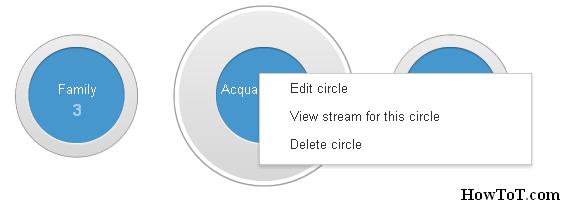
- Right click on the circle that you want to delete and choose “Delete Circle”
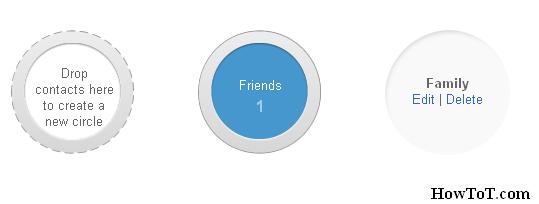
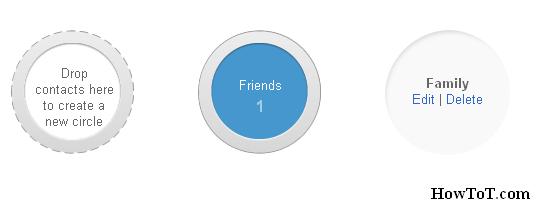
- Or click on the circle, then you will get an option to ‘Edit’ and ‘Delete’ the circles.
Caution: By doing this you will lose all the peoples from those circles and to avoid this just drag those profiles that you do not want to delete to another proper circle.

BW is a contributor at How To Guide. We are committed to providing well-researched, accurate, and valuable content to our readers.
You May Also Like


Related Articles